Professionals
Make a strong impression on LinkedIn and at work with a polished, professional look.
- Company website
- Work profiles
Plan a professional portrait for your next chapter. Explore outfits, backgrounds, and poses that feel like you.
Your photos stay in your browser. Nothing is uploaded until generation is available.
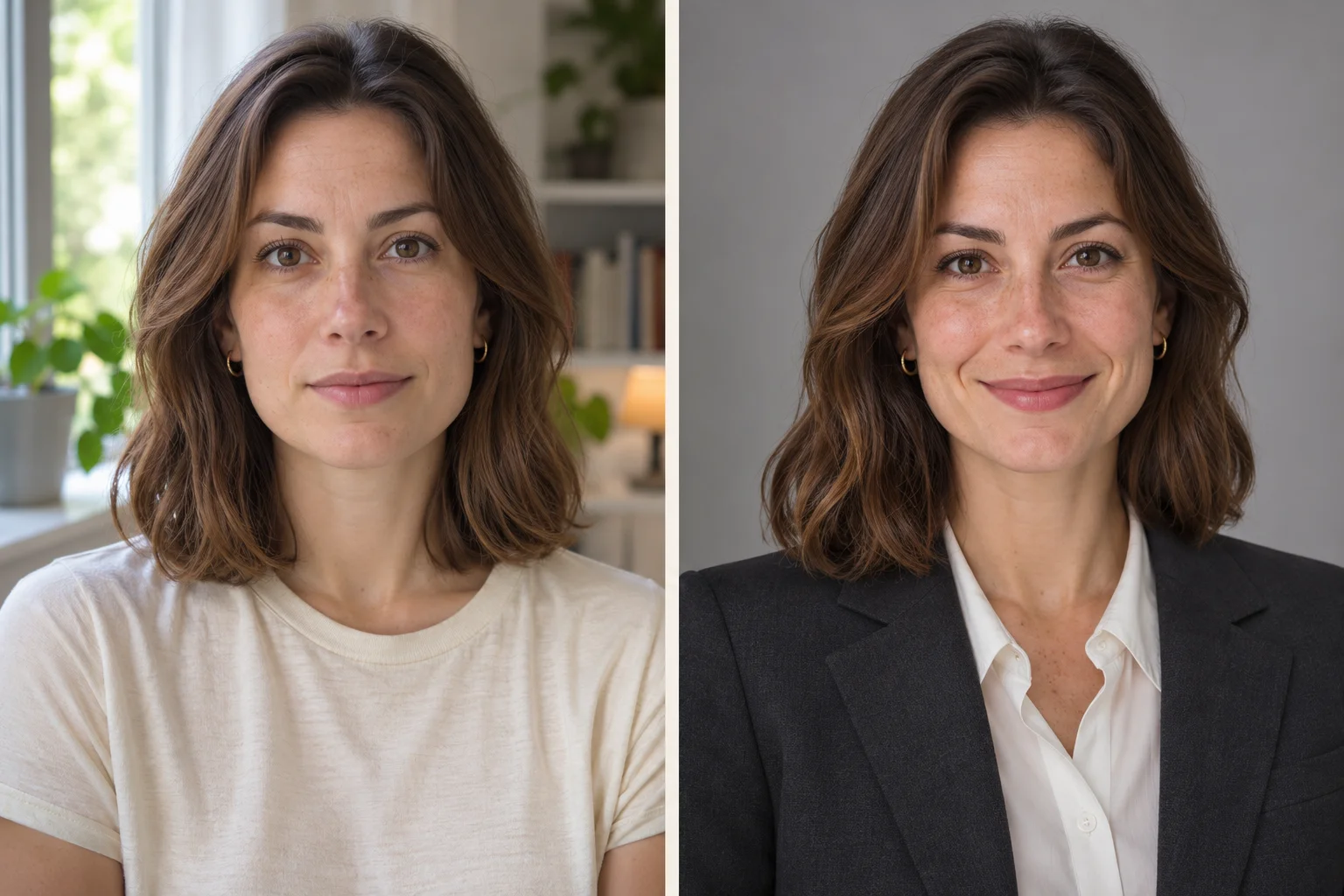
Explore how wardrobe, light, and a considered background can change the feel of a portrait while keeping the person at its heart.
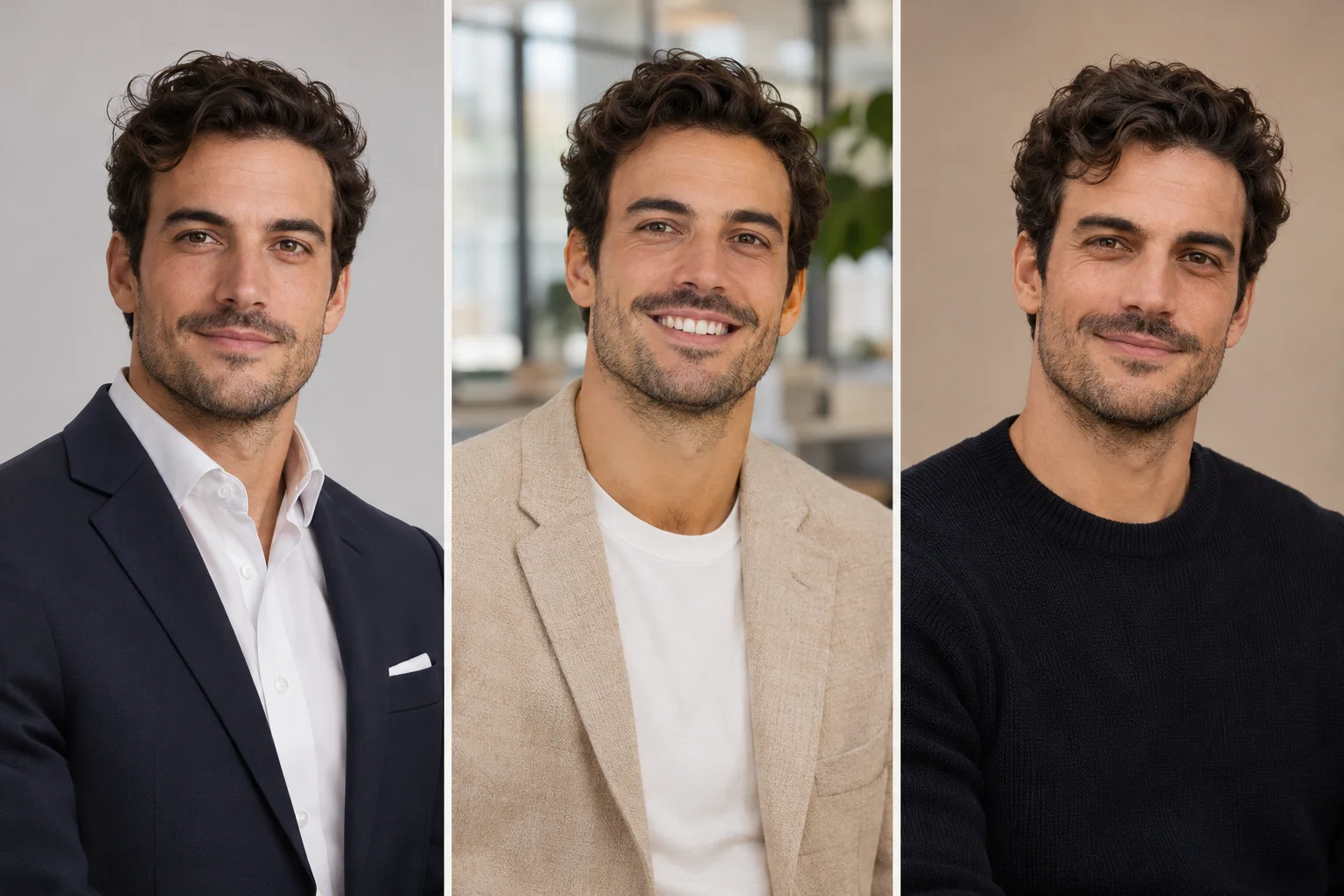
A navy suit for a business profile. A lighter blazer for a creative portfolio. A relaxed knit for a personal website. Explore 77 outfits, 78 hairstyles, 10 poses, and 41 backgrounds to build your direction.
Choose your lookThink beyond a single profile photo. A consistent portrait can bring your résumé, professional website, and business card together. Choose a look that suits the places you want to be seen.
Choose your look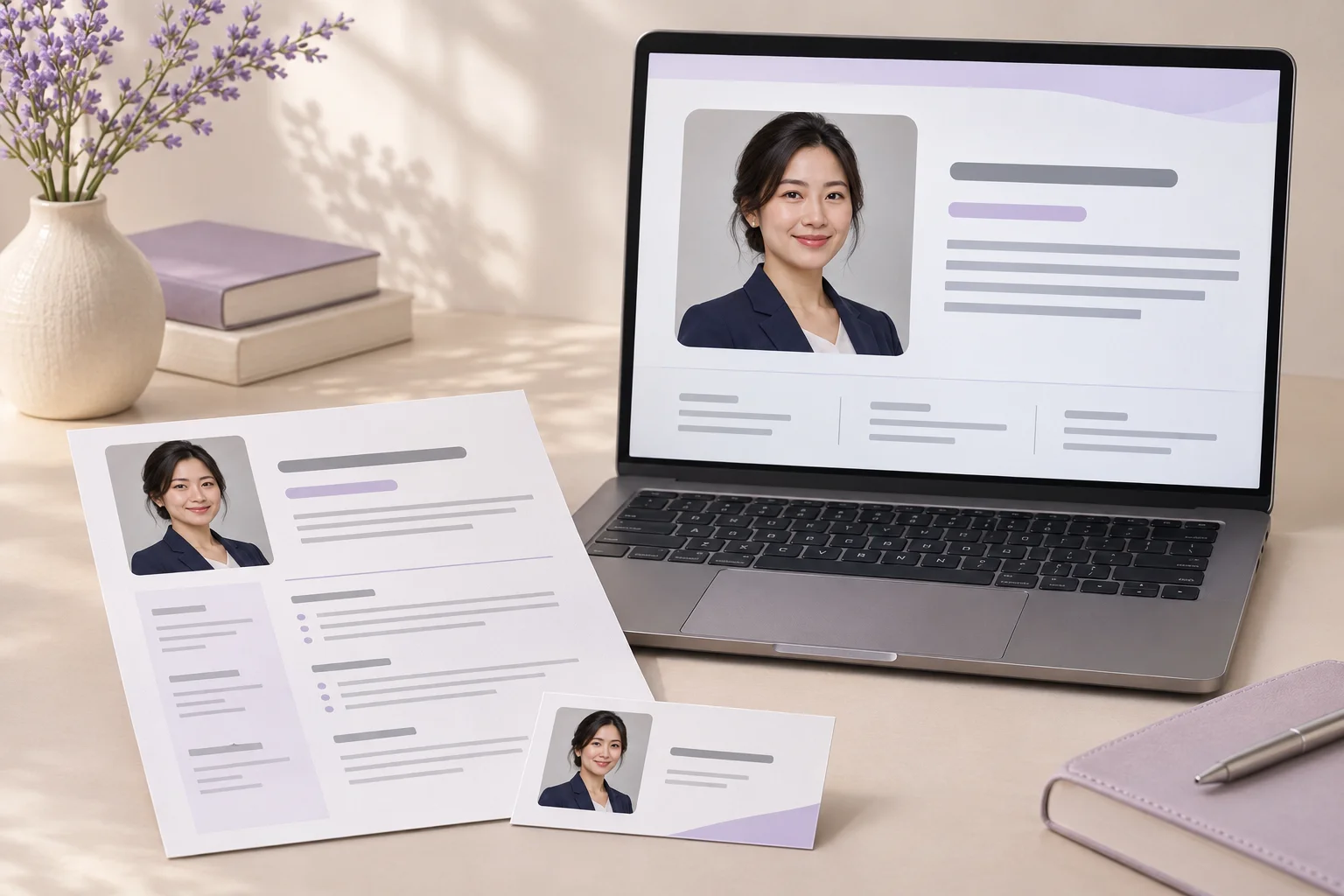
Upload up to three front-facing JPG or PNG photos. Use even light and keep your face unobstructed.
Explore outfits, hairstyles, poses, and backgrounds. Add a few details for the look you have in mind.
Check that your face is clearly visible and your outfit, pose, and background suit your professional profile.
Make a strong impression on LinkedIn and at work with a polished, professional look.

Stand out in a competitive job market with a headshot that gets you noticed.

Showcase your expertise and attract more clients with a credible professional image.
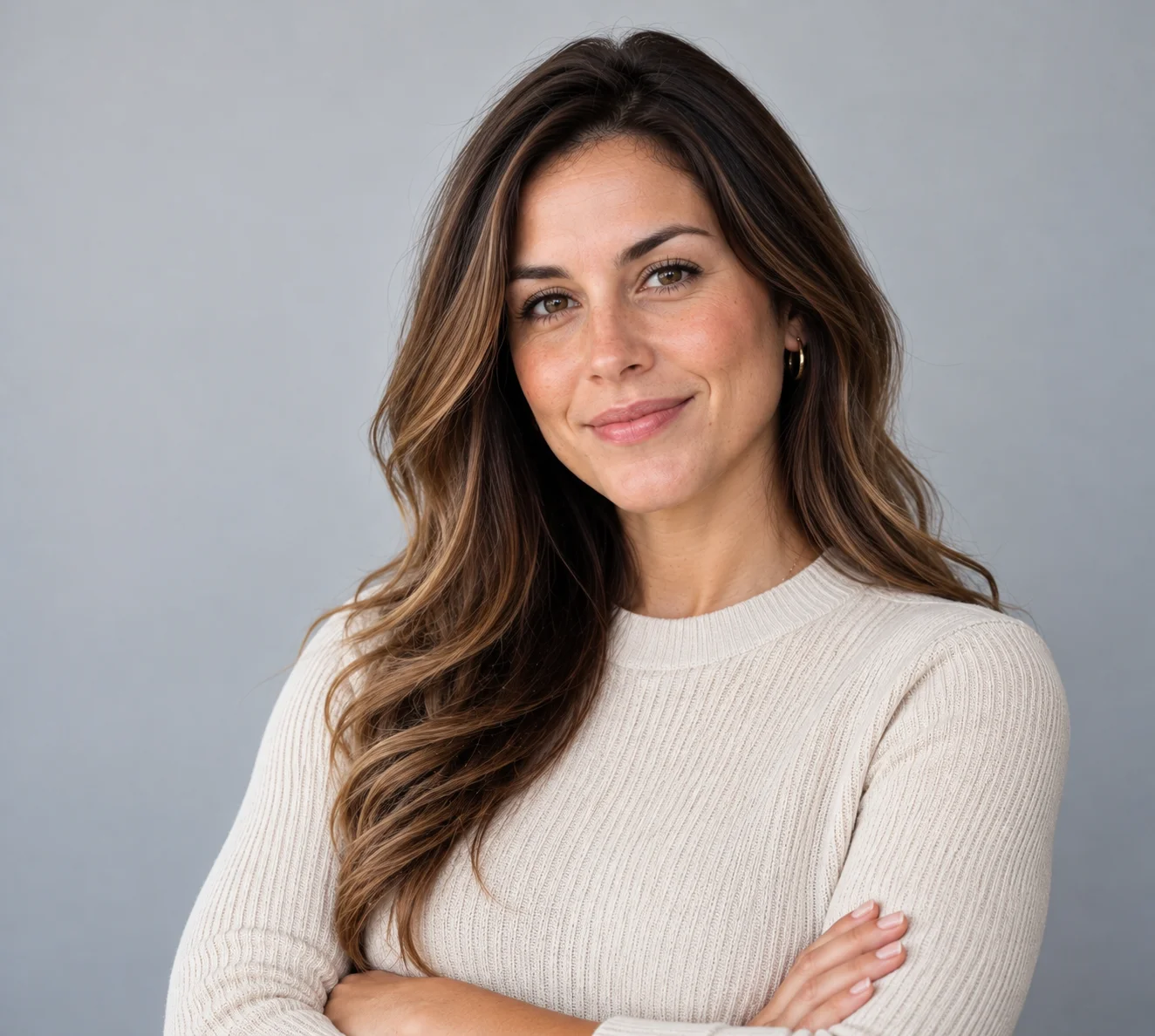
Build trust and stand out in a crowded market with a friendly, professional headshot.

Show your leadership and build your personal brand with a standout headshot.
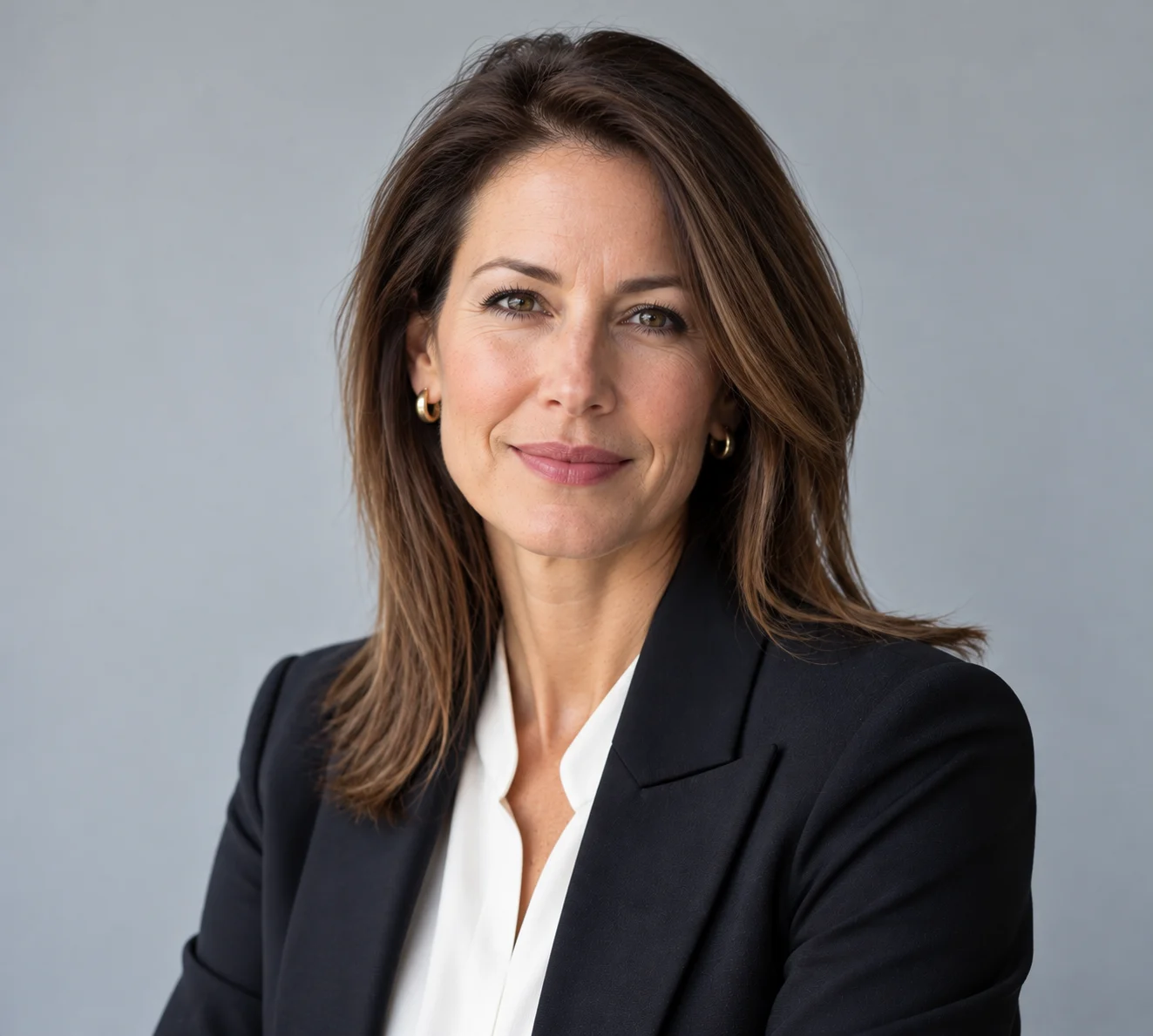
Build credibility and inspire confidence with a professional, approachable image.

Build patient trust with a warm, professional headshot for your medical practice.
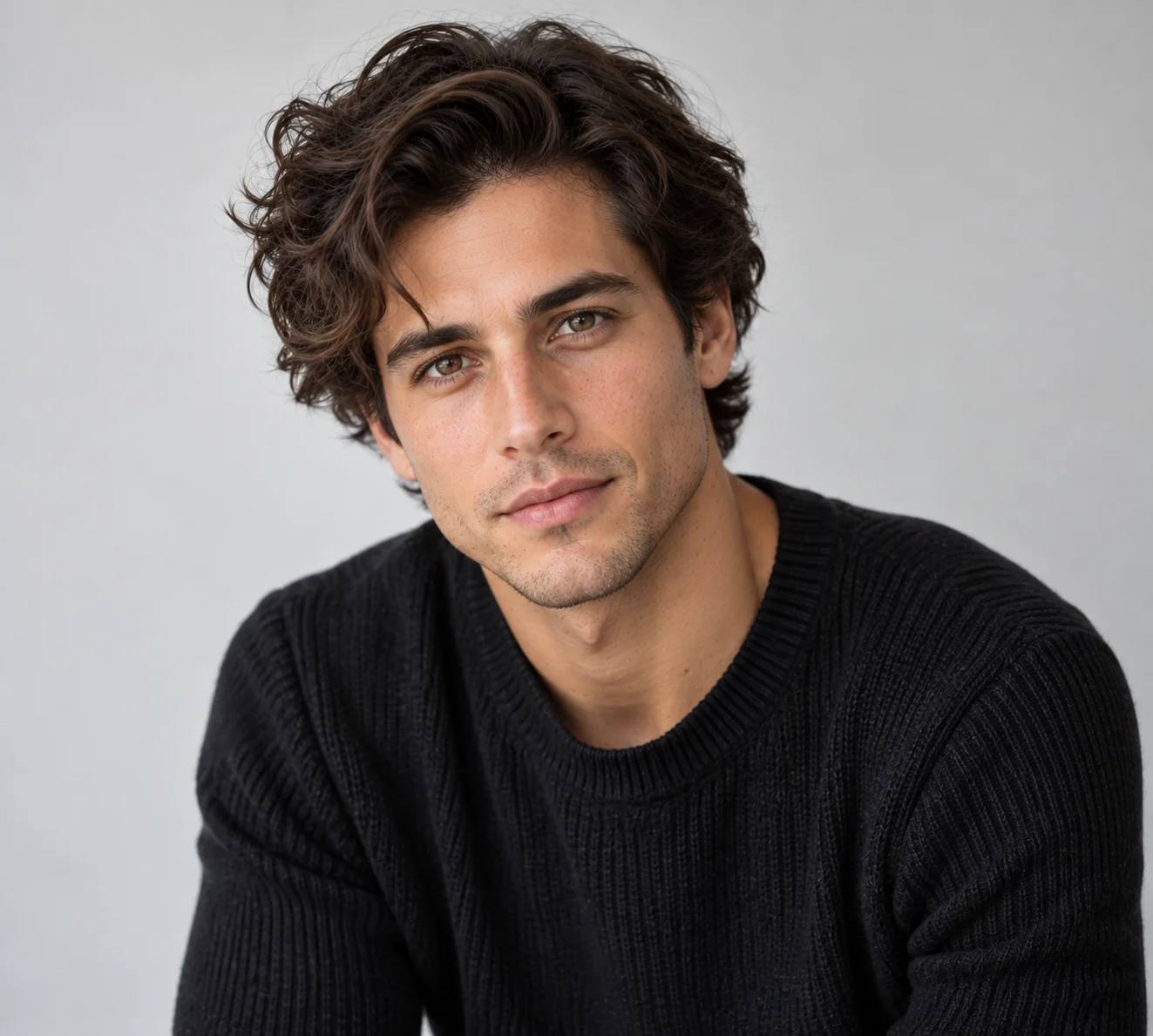
Get high-quality headshots for casting, modeling, and creative industry opportunities.
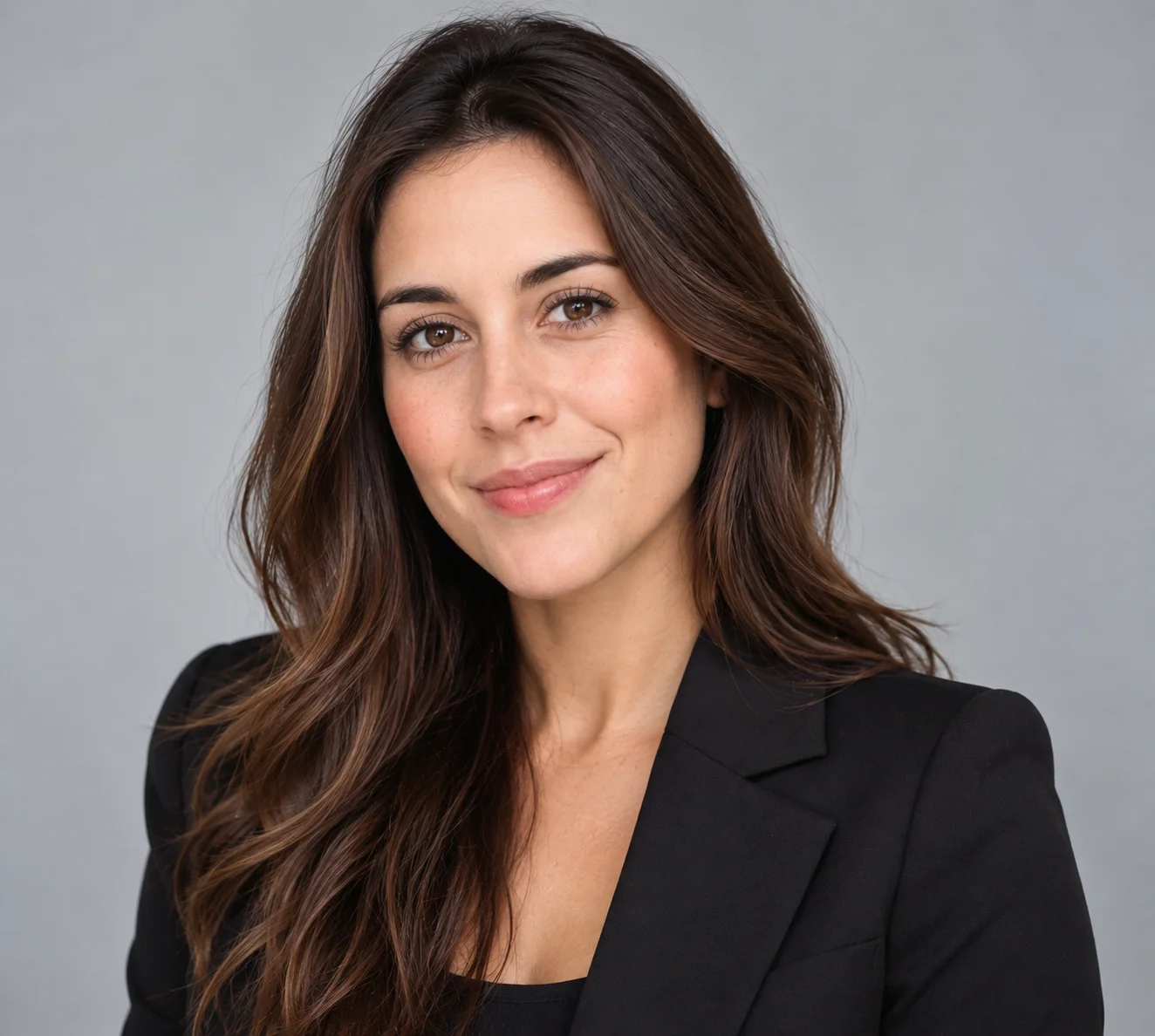
Explore professional AI headshots across different faces, styles, and stages of a career. A clean backdrop. Considered lighting. Room for personality.
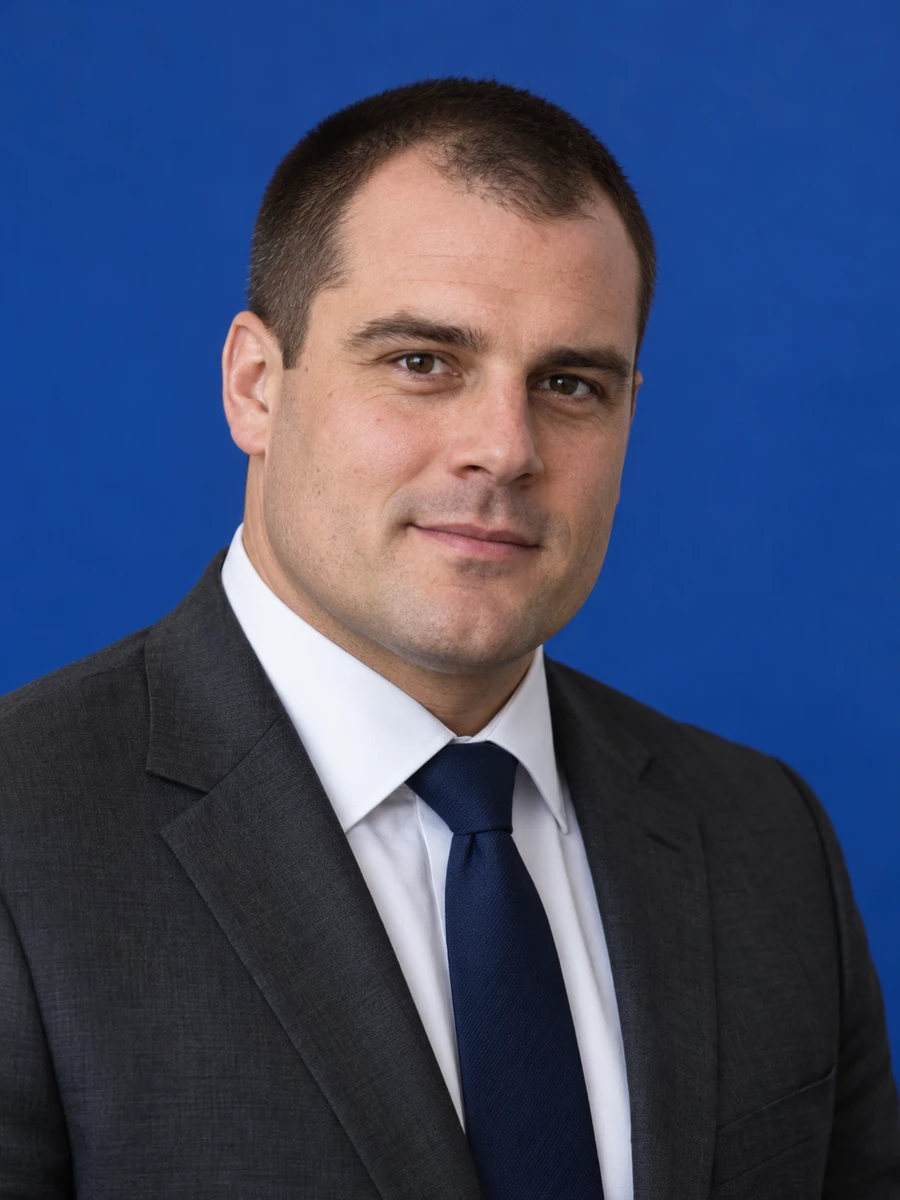
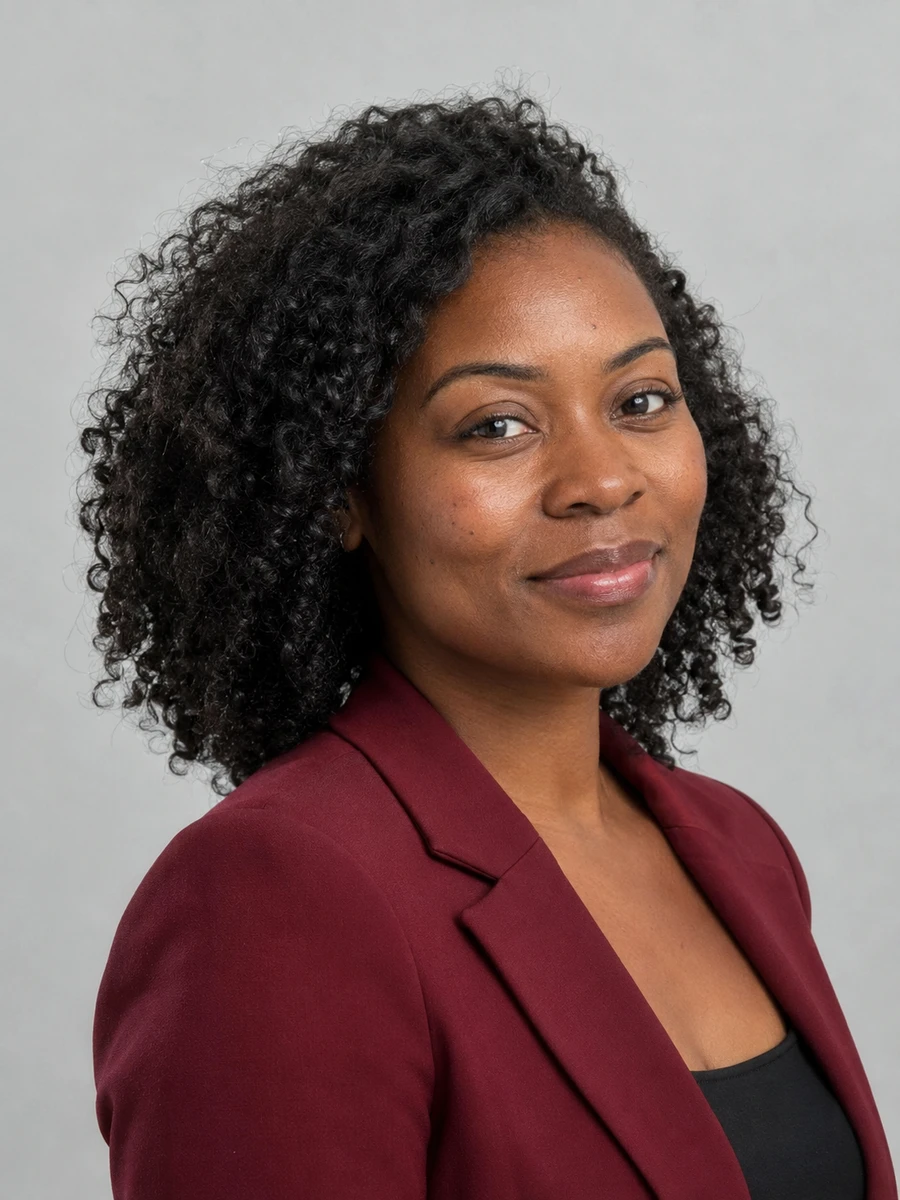

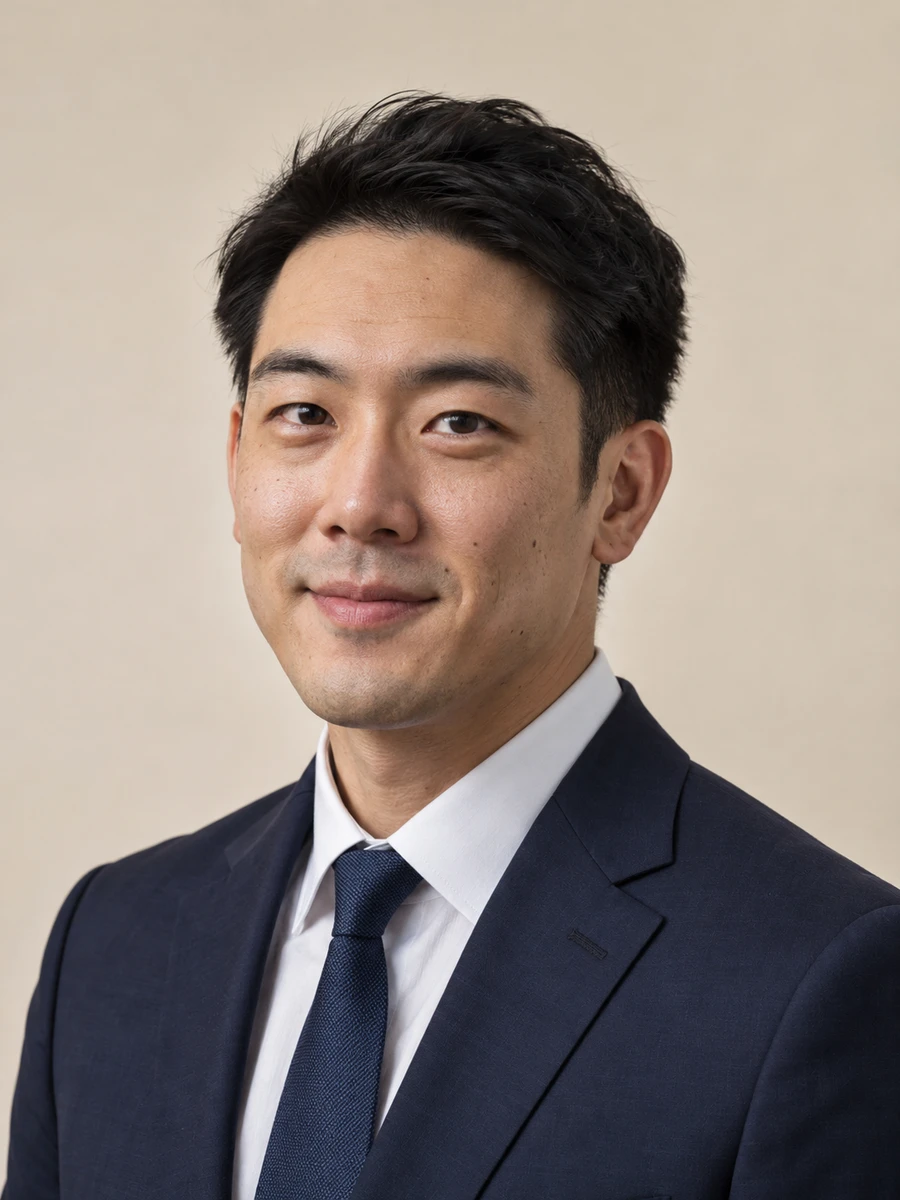
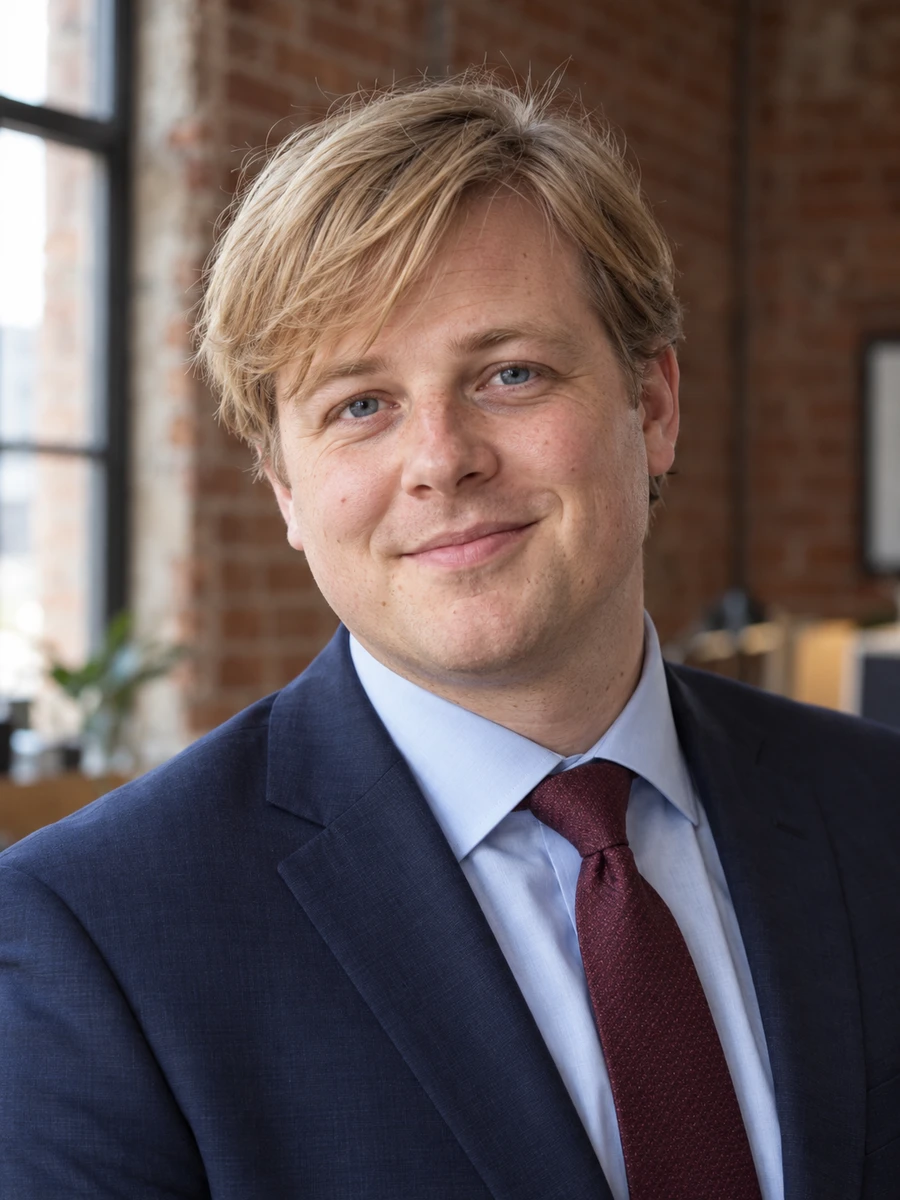

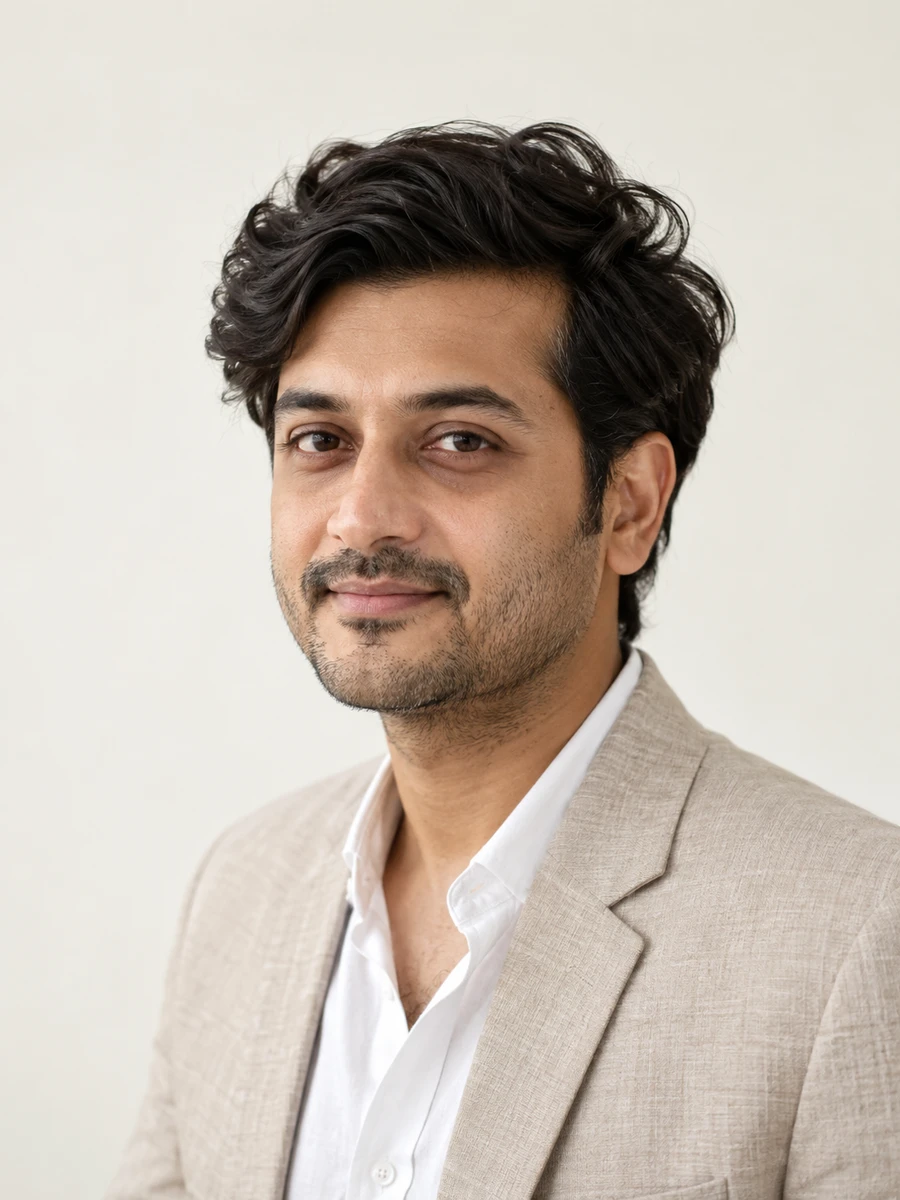
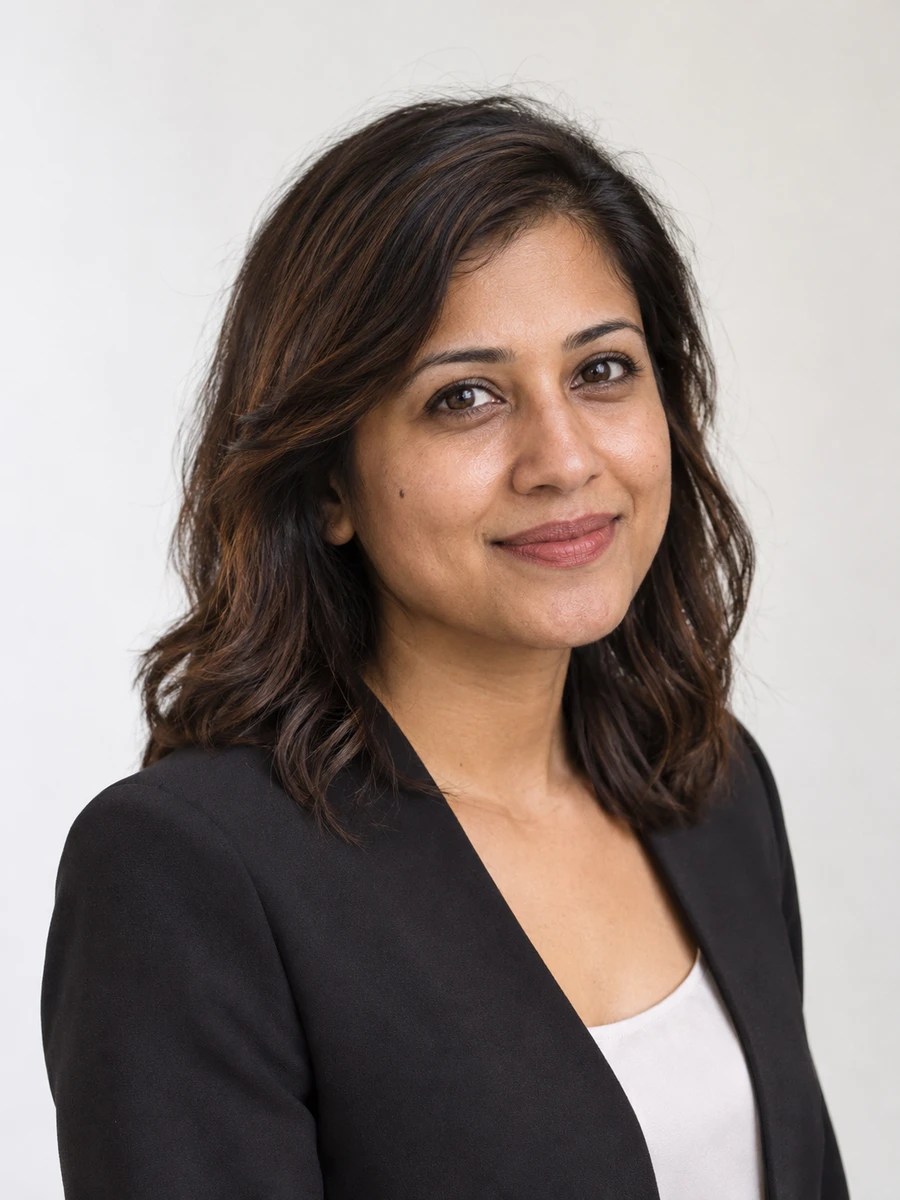
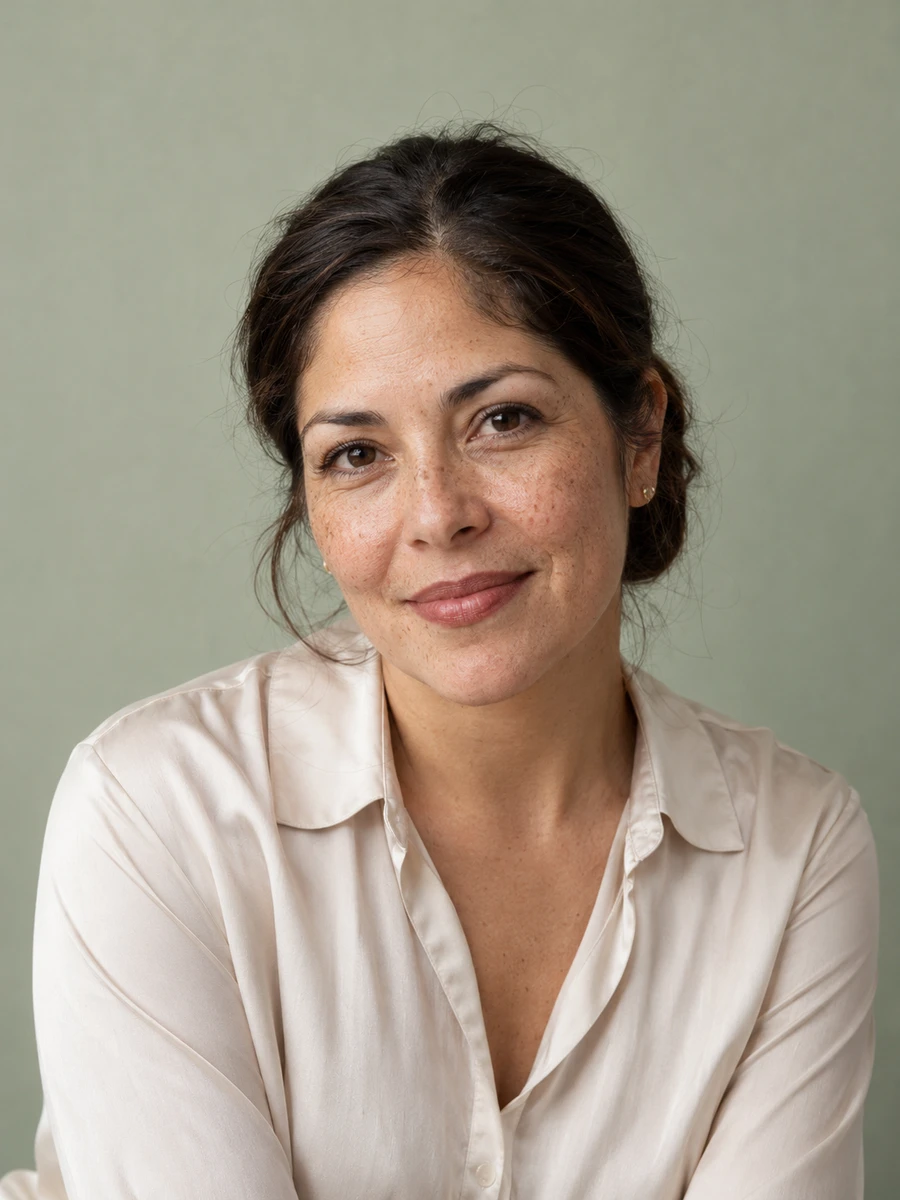
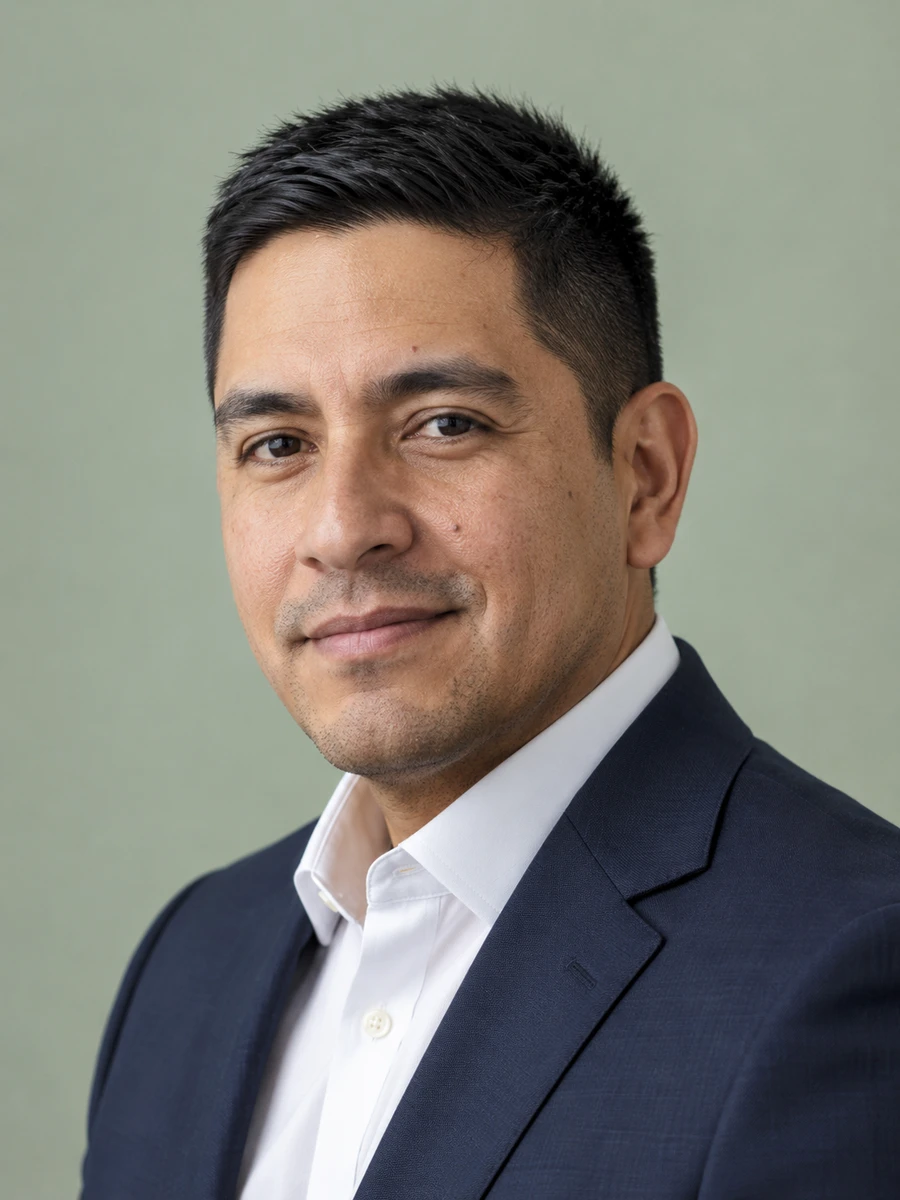
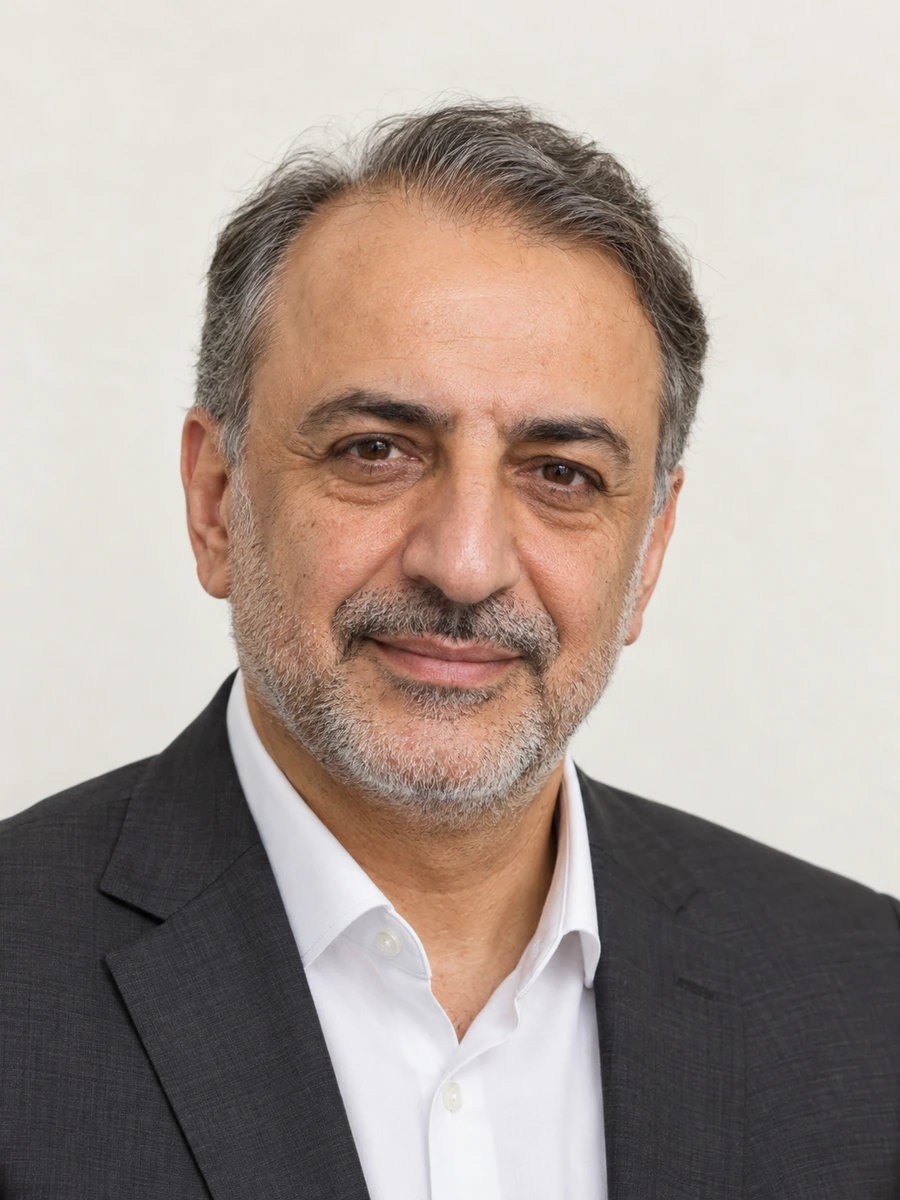
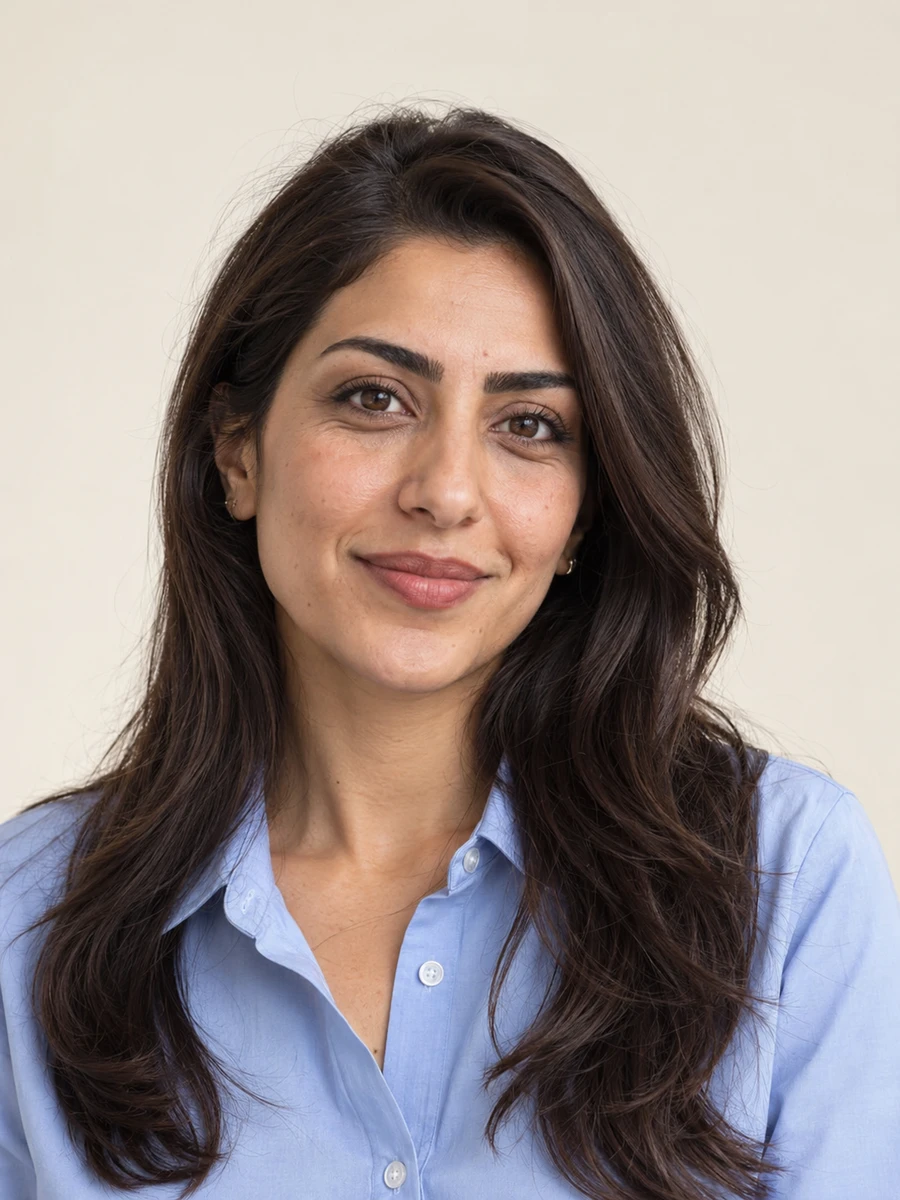
Use a sharp portrait taken at eye level with even lighting. Keep your full face visible and choose a simple background.
Choose professional for business profiles and job applications, creative for a portfolio, or everyday for a more approachable personal profile.
Upload a JPG, PNG, or WebP file up to 10 MB.
Currently, your selected photo stays in your browser. Reloading the page clears it.
Generation is currently unavailable. You can upload your photo and choose a style and background.
I needed a professional photo for my LinkedIn profile but didn’t have time to book a photographer. Povura made the whole process surprisingly simple. I uploaded a few selfies from my phone, chose a professional style, and had several great options ready within minutes. The lighting looked natural, my face still looked like me, and the background was clean without feeling artificial. I ended up using one for LinkedIn and another for my company profile. It saved me both time and money, and the results were better than I expected.
I’ve paid for professional headshots before, and the process usually takes an entire afternoon between scheduling, traveling, and editing. Povura gave me a much easier alternative. I uploaded my photos, explored different outfits and backgrounds, and found several images that worked perfectly for my business website. What impressed me most was how consistent everything looked. The skin tones, lighting, and facial details felt realistic. I now have professional-looking photos for my website, email signature, and presentations without needing another studio appointment.
I tried a couple of AI photo tools before finding Povura, and most of them either changed my face too much or made the photos look overly edited. Povura was noticeably better at keeping my features recognizable. I wanted a formal portrait for work and something more relaxed for social media, and I managed to get both from the same set of uploads. The different clothing and background options made it easy to experiment without starting over. I especially liked that the final images looked polished but still believable.
I work in recruitment, so I know how much a professional profile photo can influence someone’s first impression. I decided to try Povura after realizing my own LinkedIn picture was several years old. The setup was straightforward, and I didn’t need any special photography equipment. I used a few recent phone pictures and received a selection of professional portraits that looked clean and natural. My favorite had a simple studio background and soft lighting. I’ve already recommended Povura to a few colleagues who needed updated headshots.
I needed updated photos for my personal website, speaking engagements, and social media accounts, but I wanted everything to have a consistent look. Povura helped me create several portraits with different outfits while keeping the overall style professional. I particularly liked the neutral backgrounds because they worked well with my website design. The entire process was much faster than arranging a traditional photo session. I was able to choose images that felt appropriate for different platforms without having to reuse the exact same headshot everywhere.
I was updating my résumé and applying for new positions when I realized I didn’t have a decent professional photo. Booking a photographer wasn’t really an option with my schedule, so I gave Povura a try. I uploaded a few pictures taken at home and selected a simple business style. The results looked much more professional than anything I could have taken myself. I appreciated having several options because some felt better suited for LinkedIn while others worked nicely for my résumé. It made preparing my applications a little less stressful.
As a small business owner, I regularly need professional photos for my website, marketing materials, and online profiles. Hiring a photographer every time I update something isn’t practical. Povura has been a convenient solution because I can create different styles without organizing another shoot. I was especially happy with the business portraits, which had realistic lighting and backgrounds that didn’t distract from the subject. I used one image on my About page and another for a promotional campaign. The whole experience was simple and saved me a considerable amount of time.
I create content for several online platforms, and keeping my profile pictures fresh has always been a challenge. Povura gave me a way to experiment with different looks without spending hours taking photos. I uploaded a handful of selfies and tried a mix of casual and professional styles. Some results were better than others, but I found several that looked genuinely good. The best ones had natural facial expressions and lighting that matched the background. I’ve already used the photos on my social accounts, and they fit my personal brand really well.
Our team needed updated profile pictures for the company website, but coordinating a photography session across different schedules was becoming difficult. We decided to test Povura as an alternative. The process was easy enough for everyone to complete independently, and choosing similar backgrounds helped the final photos look consistent on our team page. I was particularly impressed by how professional the portraits looked considering they started with ordinary phone pictures. It made updating our website much easier, and we didn’t have to organize an expensive group photo session.
Your next chapter deserves a fresh portrait. Start with your favorite photo.
Try the headshot studio →