
Free AI Background Remover
Remove the background from any photo. Keep it transparent, replace it with a new scene, or refine the cutout before you download.


Drop or paste an image here
JPG, PNG or WebP · Up to 60 MB each · 8,192 px per side and 20 MP totalBackground removal for every kind of image
Portrait background removal for headshots and profile photos
Portrait cutouts are the most common background removal task. Upload a photo and the model traces hair, shoulders, and fine edges automatically, keeping the subject fully intact. Give headshots and profile photos a clean solid backdrop, or download a transparent PNG for resumes, business cards, and social profiles — no manual masking required.
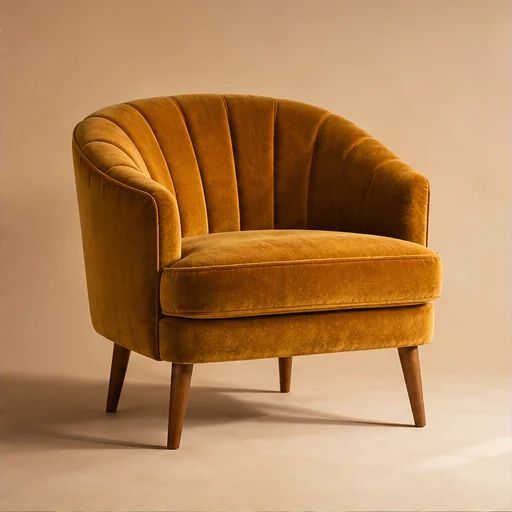
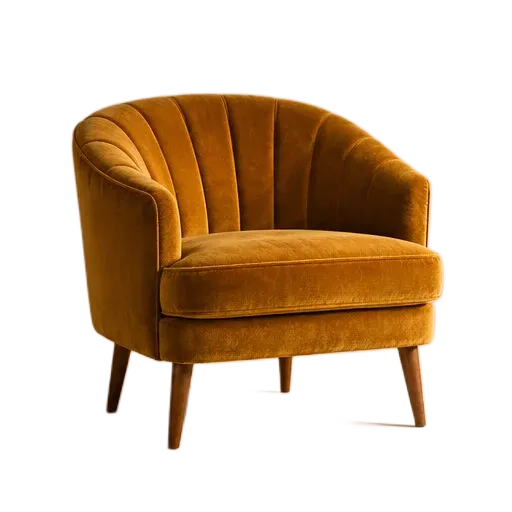
Product photo background removal for e-commerce listings
A clean product photo lifts e-commerce conversion. Remove a cluttered background once, then reuse the same cutout as a white storefront listing image, or place it on brand colors and scene presets for banners and promotional graphics. One original photo covers your window display, product page, and ads — no reshooting required.
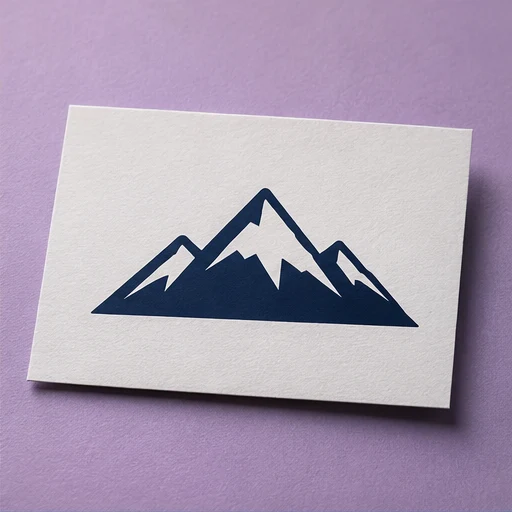
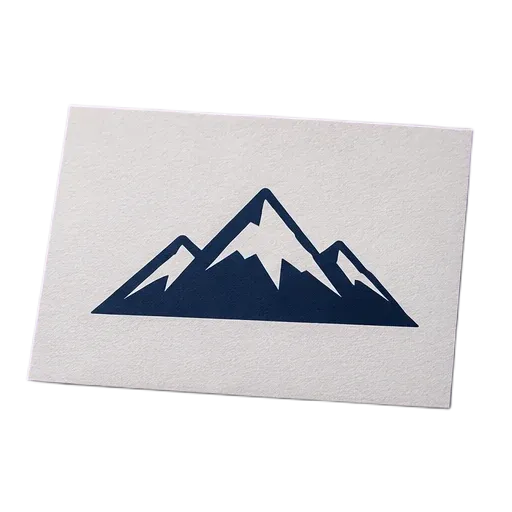
Logo background removal for instant transparent PNG assets
Turn a photographed or scanned logo card into a reusable transparent PNG. Transparent logos drop straight into websites, slides, business cards, and packaging, with edges that follow the card outline automatically. Skip the manual masking and keep brand assets ready whenever you need them.
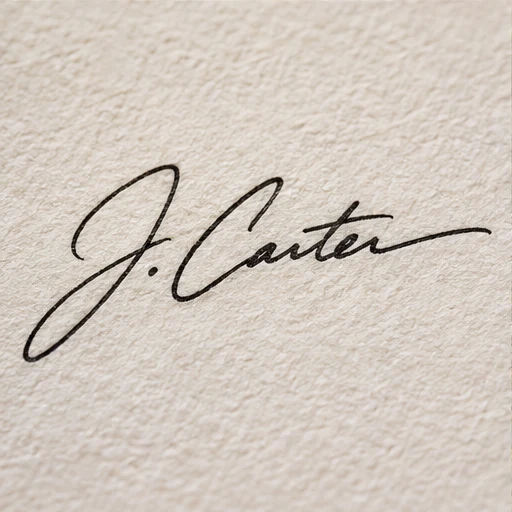
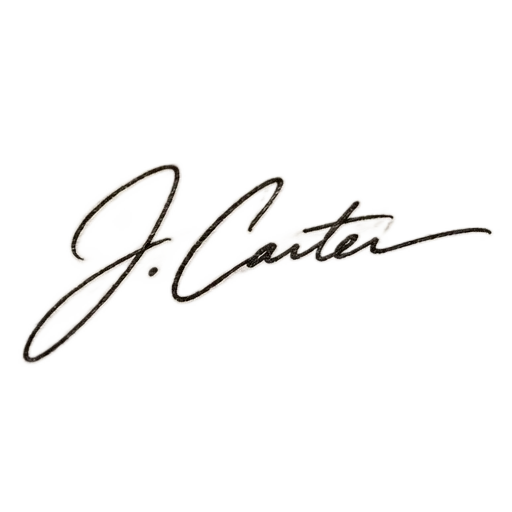
Transparent signatures from handwritten scans
Handwritten signatures are usually trapped inside paper-textured photos. Removing the background turns them into clean transparent assets you can drop into contracts, PDFs, and digital documents. Refine the strokes with the brush so the signature stays crisp and natural on dark backgrounds too.
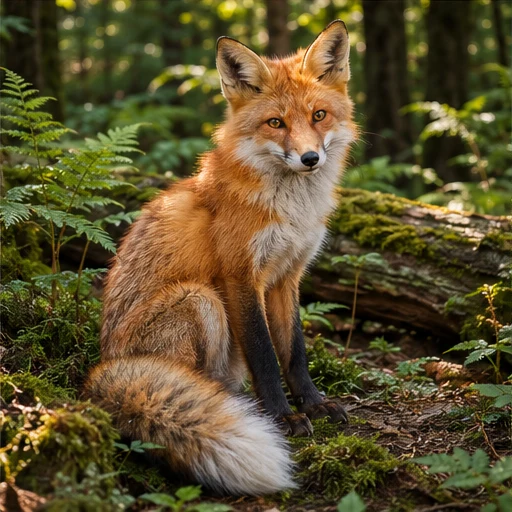
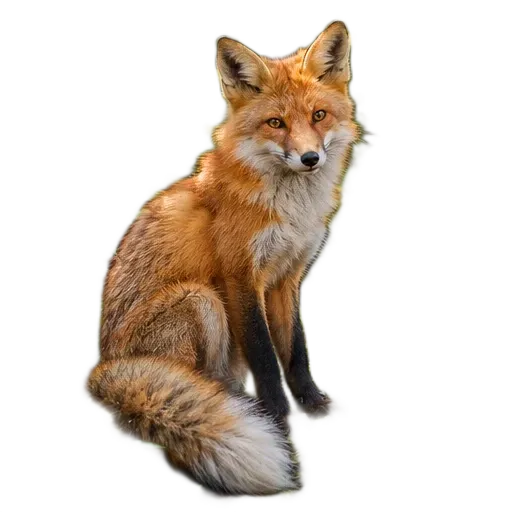
Pet photo background removal with clean fur edges
Pet fur is where traditional cutout tools fail most. A deep neural network separates fine fur edges with precision, so cats and dogs come out of busy scenes cleanly — ready for stickers, greeting cards, collages, and social media posts, with every fluffy tip preserved.
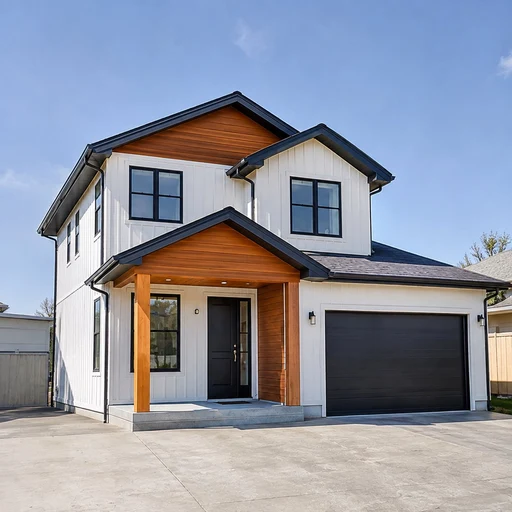
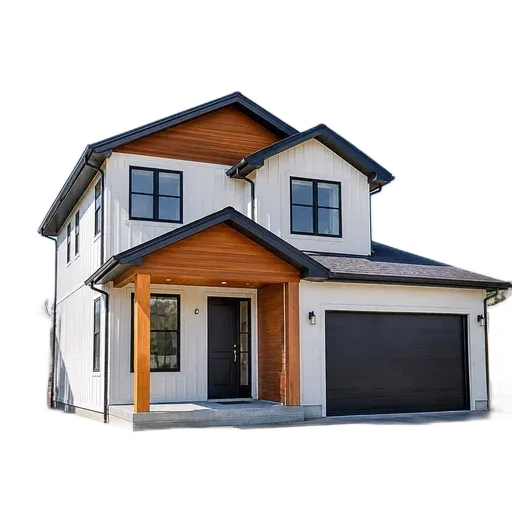
Real estate background removal for listing photos
Real estate photos are limited by weather and surroundings. Isolate the building once, then swap in brighter skies or cleaner surroundings for listings, brochures, and ads. The same photo instantly looks more professional and helps attract more inquiries.
How to remove an image background
- 1
Add a photo
Upload, drag in, or paste a JPG, PNG, or WebP image.
- 2
Refine the result
The tool removes the background automatically. Restore details, blur the original background, or choose a new one.
- 3
Save your PNG
Compare with the original, then download the image at its original size.
Frequently asked questions
Is background removal free?
Yes. You can remove backgrounds and download PNGs without signing in.
Which image formats are supported?
You can add JPG, PNG, or WebP images. Each file can be up to 60 MB, with a maximum of 8,192 pixels on either side and 20 megapixels total.
How do I save a transparent image?
Select the checkerboard swatch in Background, then choose Download PNG. The checkerboard is only used to show transparency on screen.
Are my images uploaded to Povura?
Your browser loads the AI model and processes your images on this device. Image editing and PNG export also run locally.
Give your image a fresh background
Start with a photo and decide what stays behind it.